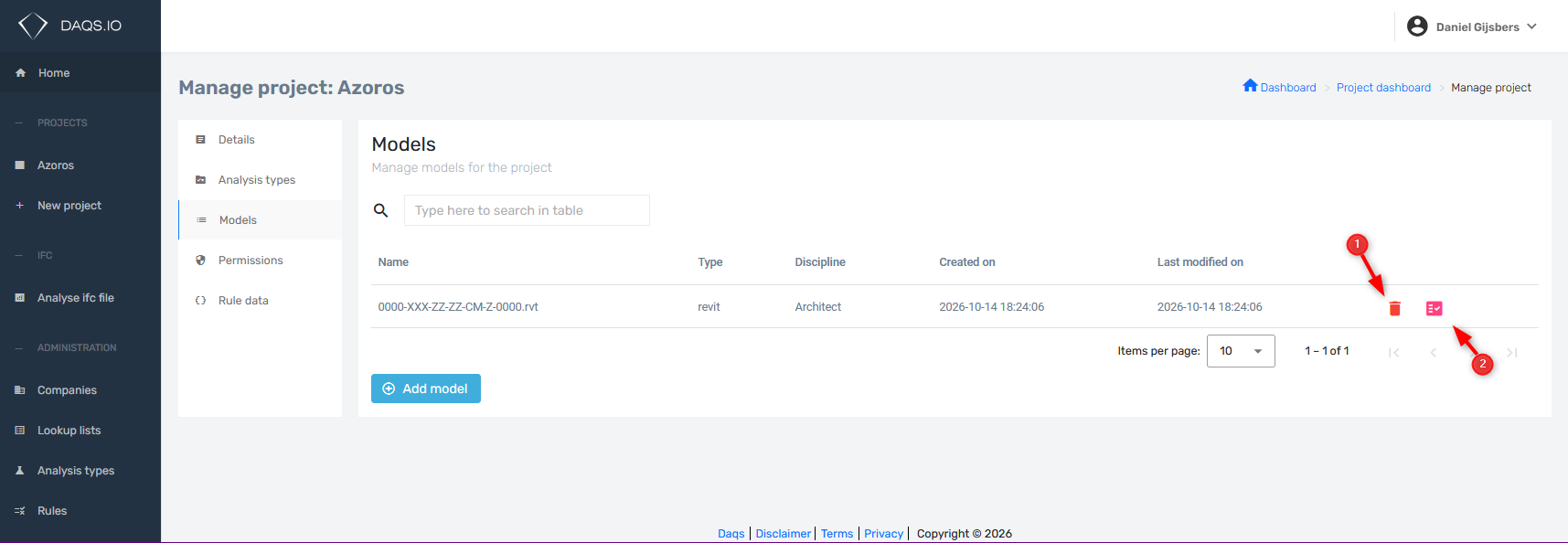
Add Models
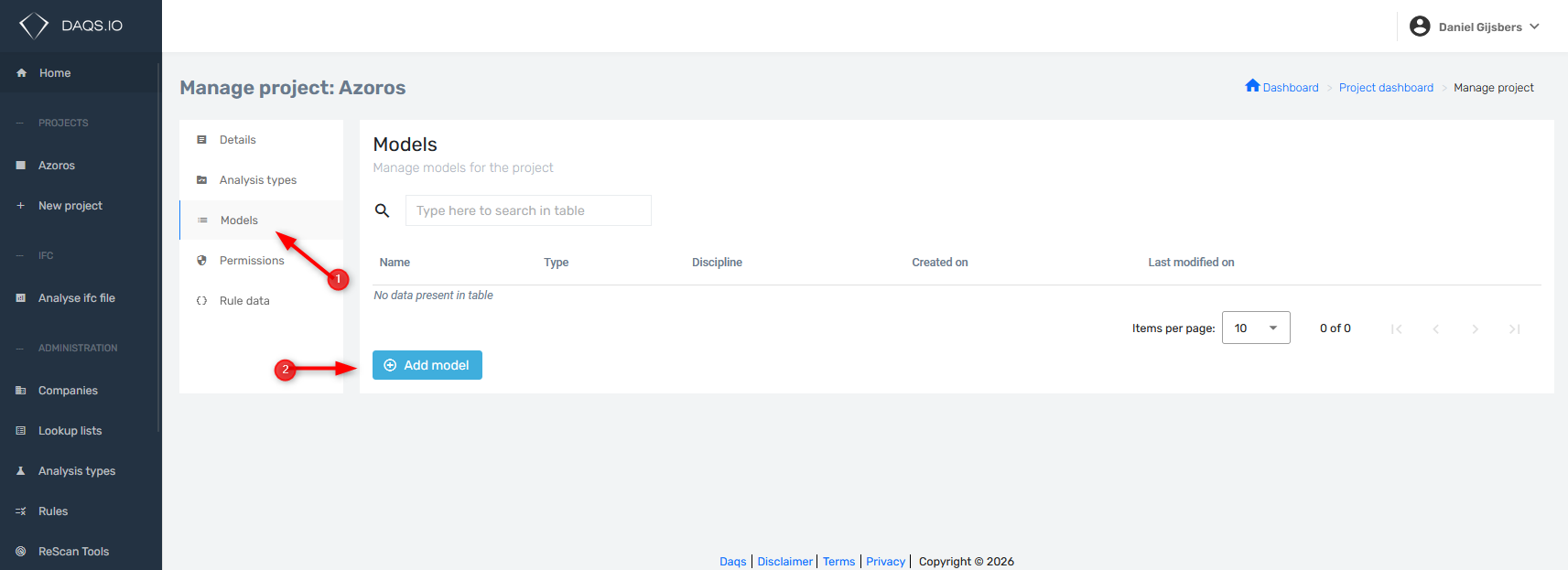
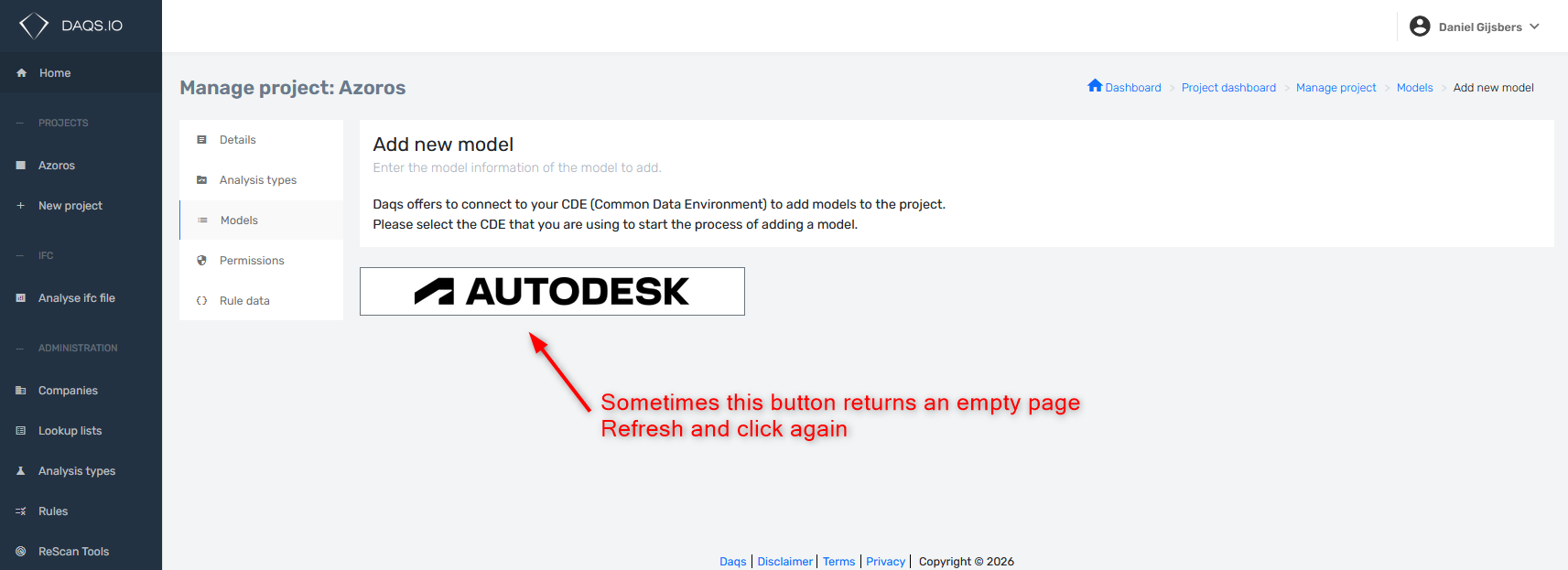
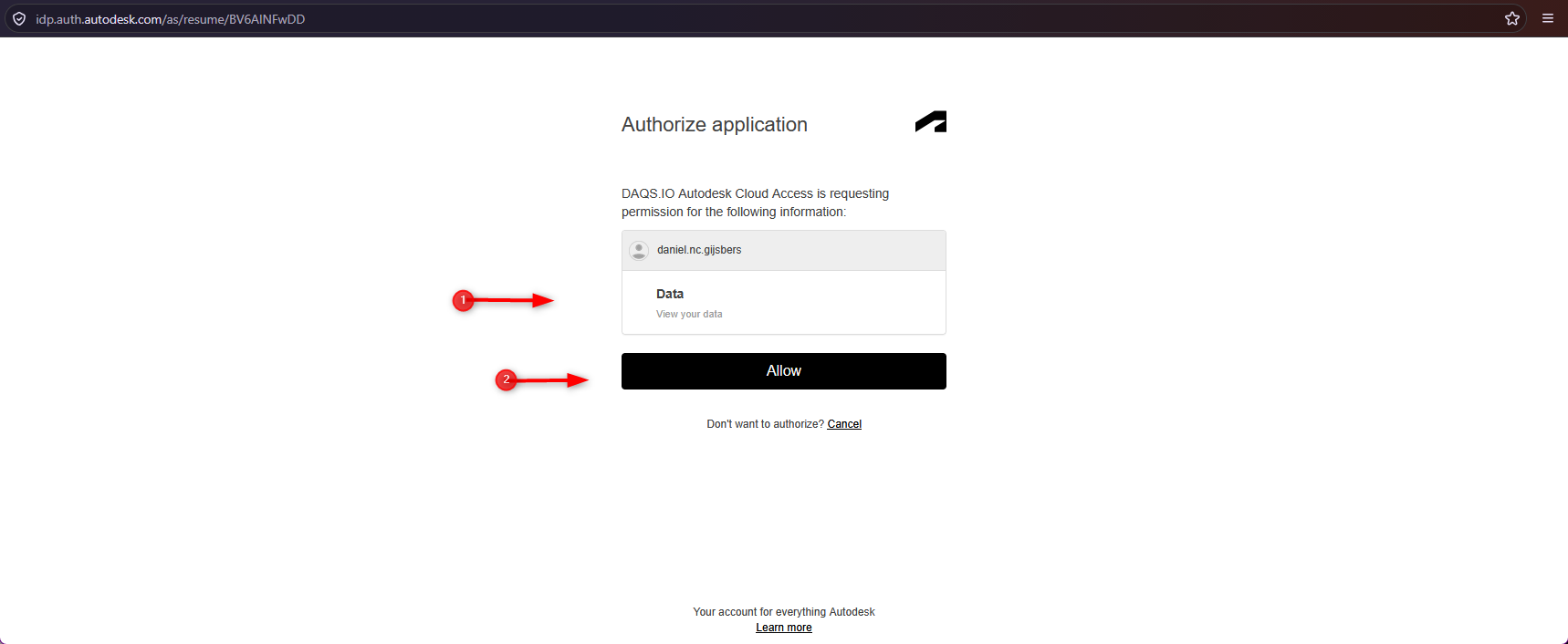
- Log in with your Autodesk Credentials
- DAQS does not get nor store your Autodesk credentials
- When you connect DAQS to Autodesk Forma, you sign in directly with Autodesk and approve the requested permissions. DAQS never receives your Autodesk password or sign-in credentials. Instead, Autodesk issues an access token that allows DAQS to perform authorised actions on your behalf, within the permissions granted and your existing access rights. This token has a limited lifetime; continued access requires token renewal or signing in again. Autodesk authentication documentation
- Next you will see the Autodesk Hubs you have access to
- Select the desired hub and browse via projects to your revit files
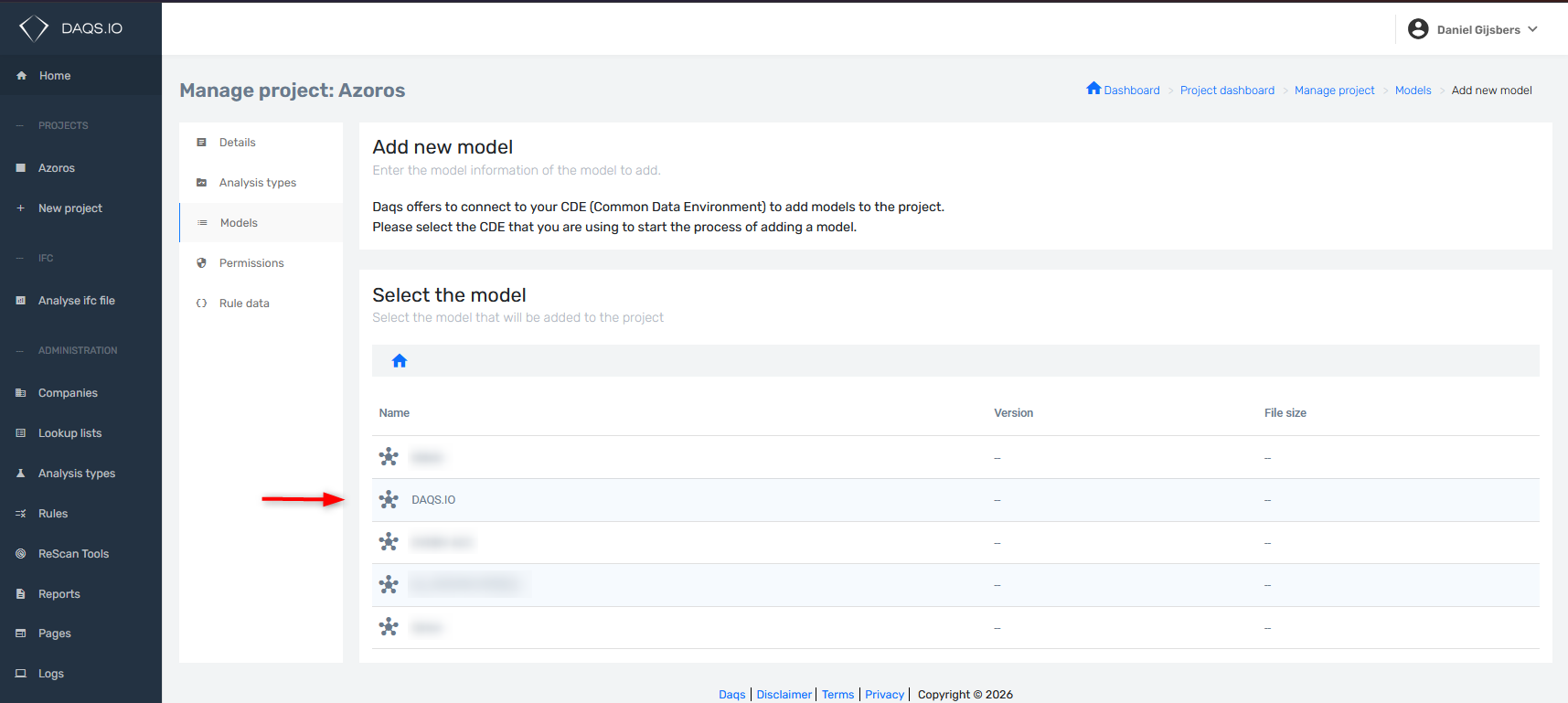 1. Projects
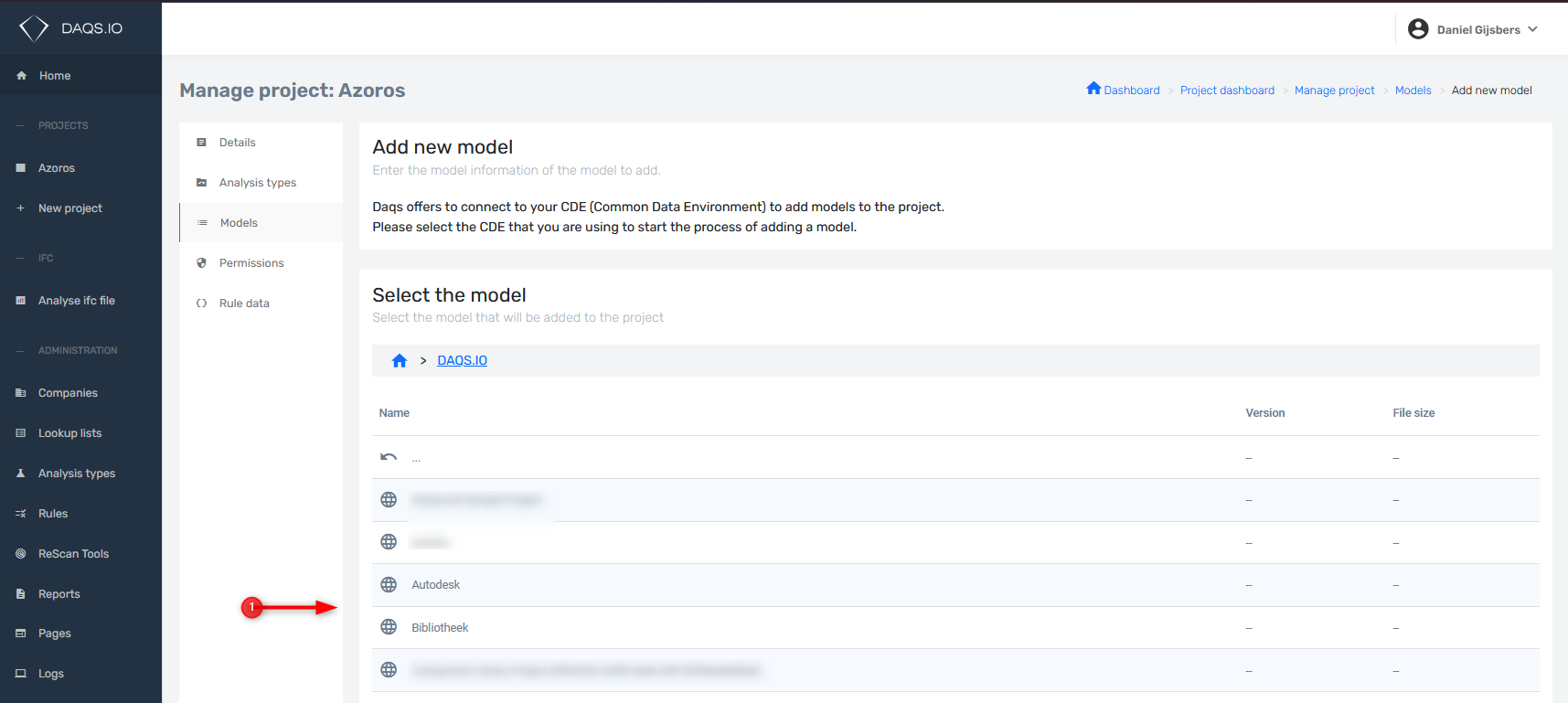
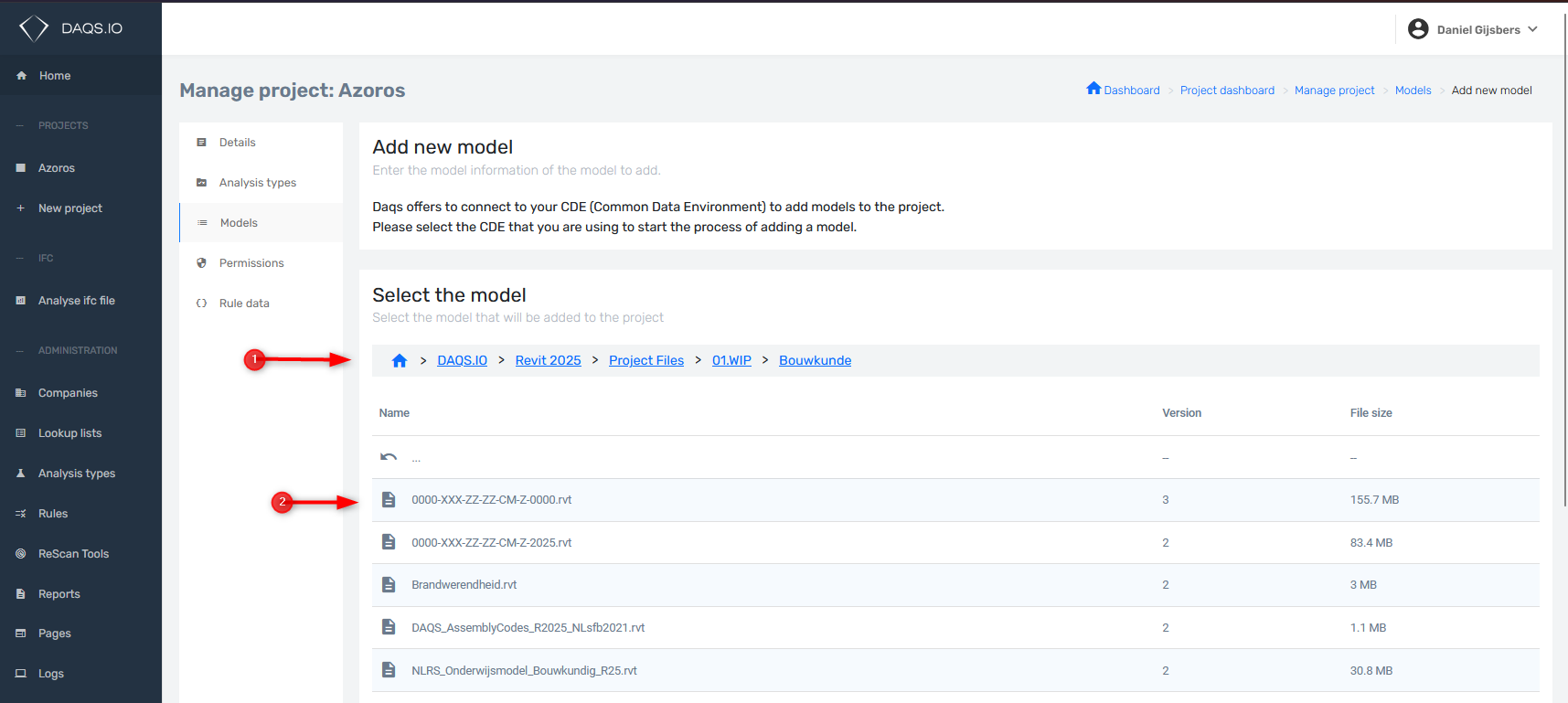
- Browse to the Revit files
- Select the file
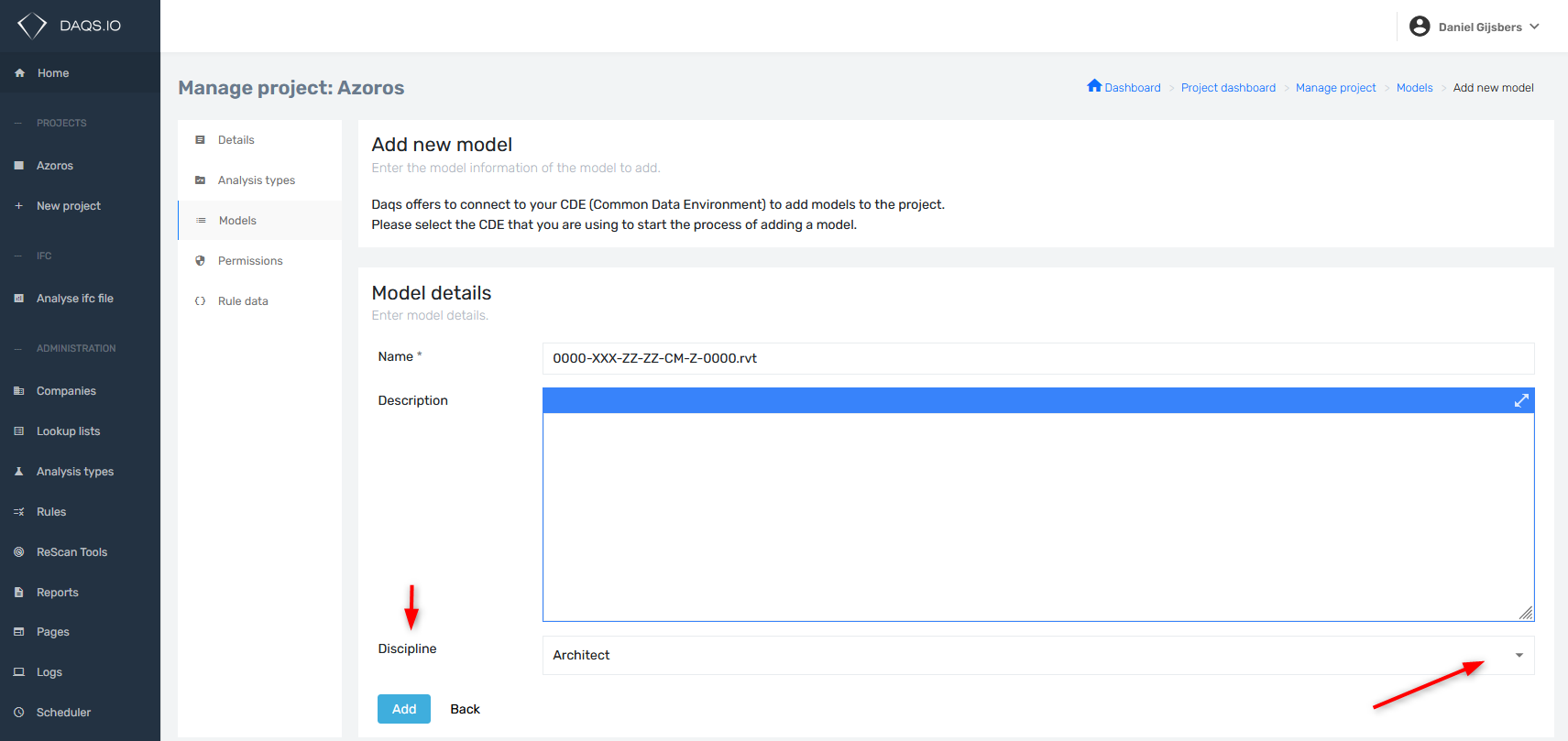
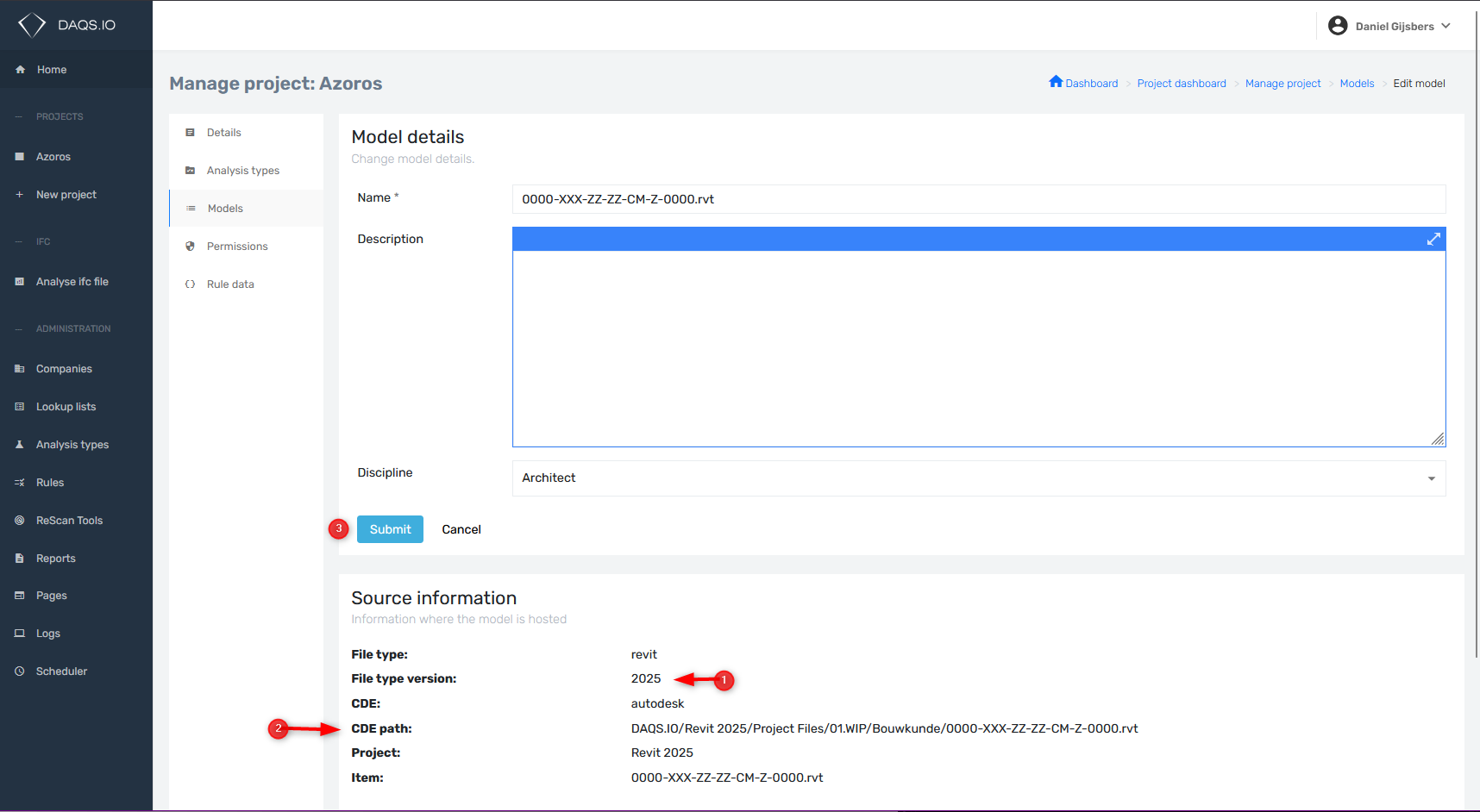
- Set discipline
- Notice the Revit File version
- Notice the CDE path
- Click on the submit button
- Remove model data from the DAQS.IO Dashboard
- Start cloud analysis on Autodesk Frorma Services